
Use Algodoo for Free: Explore Gravity, Forces, and Motion
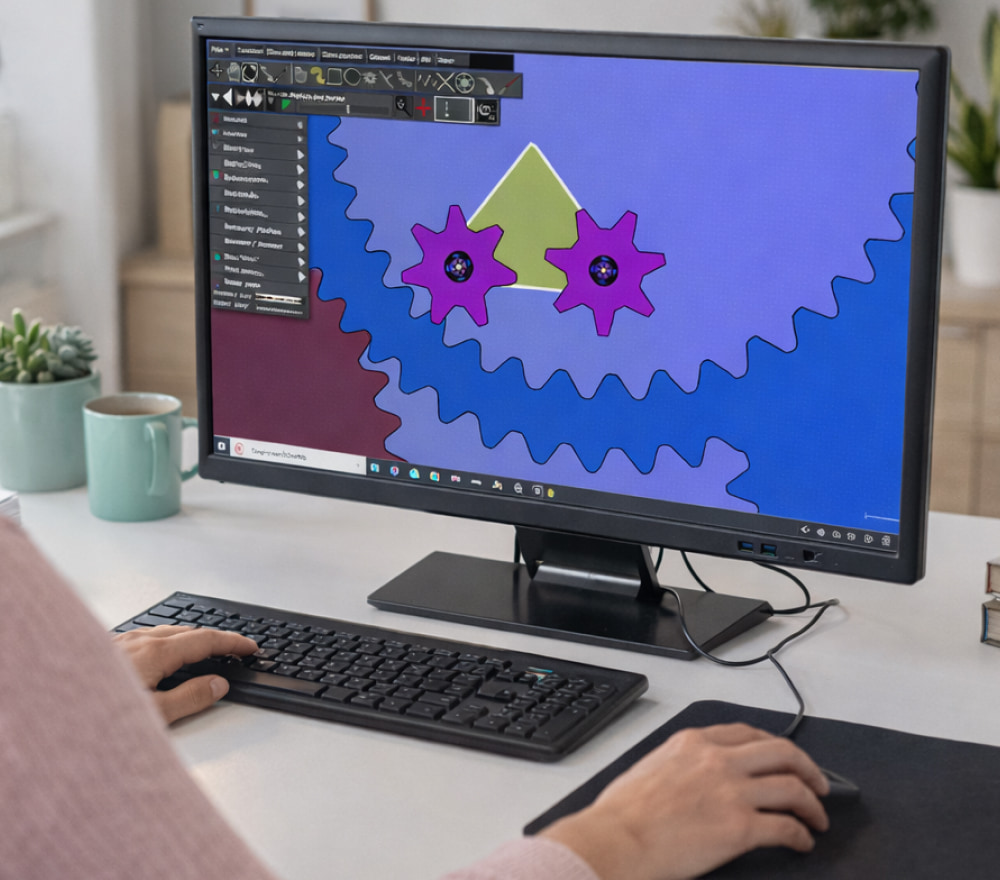
Play Algodoo Game for Free on PC
Download NowAlgodoo is a playful 2D physics sandbox where you can build mechanisms, test forces, and visualize motion in a way that feels like experimenting at a desk only faster and far more repeatable. It’s popular with students, educators, and makers because it turns abstract concepts into things you can tweak, break, and rebuild in seconds.
When you’re learning (or teaching) physics, the best tools are the ones you can access immediately and use often; in many classrooms and home labs, people start by choosing Algodoo for free as their entry point, while keeping the option to upgrade later if they need advanced features.
What You Can Do With Algodoo
- Create ramps, pendulums, gears, levers, and simple machines to see cause-and-effect clearly.
- Experiment with friction, restitution, density, gravity, and hinges to understand real-world behavior.
- Build “what-if” scenarios: change one variable and re-run the same scene to compare outcomes.
- Use it for STEM challenges like designing a bridge, a marble run, or a launcher that hits a target.
“The fastest way to understand a concept is to test it, fail safely, and try again with better assumptions.”
Free Access Options and What They Mean
Not every free label means the same thing, so it helps to separate licensing from distribution. Some versions are free to use with limitations, while others may be time-limited, education-focused, or bundled with a platform that manages access.
For example, in a typical school setup, instructors may demonstrate experiments on a projector and have students follow along; for that workflow, it’s common to run Algodoo for free on computer in a lab setting, because it keeps the learning loop tight and predictable.
Online vs. Offline: Picking the Right Workflow
Some people like a lightweight approach where they can share scenes quickly and open projects from anywhere. In that case, a browser-friendly workflow can help you move between devices with fewer steps.
In practice, many users enjoy community scenes and quick demos, and it can be convenient to explore Algodoo for free online with classmates, although you’ll still want to save important projects locally when possible.
Quick Decision Guide
| Need | Best Choice | Why It Helps |
|---|---|---|
| Fast demos & sharing | Online-style workflow | Easy collaboration and quick access |
| Reliable classroom sessions | Offline install | Stable performance, fewer interruptions |
| Working without internet | Offline install | Access anywhere, even on the go |
How to Stay Safe When Getting a Free Version
Because software names are often used in misleading download pages, it’s worth following a simple safety checklist before you install anything. The goal is to avoid bundled installers, aggressive adware, and fake “update” prompts.
- Prefer our fan website or well-known educational repositories when available.
- Check the file name publisher details, and reviews from a trusted community forum.
- Scan the file with your operating system’s built-in security tools before running it.
- Avoid installers that try to add extra programs or change browser settings.
Most importantly, the legitimate package should feel straightforward; in normal circumstances, the installer is Algodoo free to download from trusted sources, so you shouldn’t have to click through suspicious “verification” steps.
Step-by-Step: A Clean Installation Routine
Once you’ve found a reputable download location, treat the installation like a quick lab procedure: do it once, do it carefully, and keep notes so you can repeat it later on another machine.
- Close unnecessary apps so your system has enough memory for simulations.
- Confirm system requirements and choose the correct version for your operating system.
- Install, launch, and load a simple demo scene to confirm everything runs smoothly.
Before you proceed, make a habit of checking authenticity; it helps to confirm that Algodoo download for free comes from the official page or a reputable mirror, and that the file hasn’t been repackaged.
After that verification step, you can download Algodoo for free and then run a quick test scene like a ball rolling down an incline to make sure physics behaviors look consistent.
Best Beginner Experiments to Try First
To get value quickly, start with projects that teach core ideas without requiring complex building.
- (Tip) Inclined plane: compare acceleration with different friction values.
- (Tip) Pendulum: change length and mass to see how period behaves.
- (Tip) Collisions: experiment with restitution and observe energy loss.
- (Tip) Levers: explore torque by shifting fulcrum position.
As you explore community projects, you’ll notice plenty of people sharing templates and lessons; students often ask where to find free Algodoo without ads, and the safest answer is to stick to established sources rather than random “one-click” download pages.
Troubleshooting Common Issues
If something feels off, the fix is often simple. Here are fast checks that solve many first-run problems:
- If performance stutters, reduce the number of objects and lower simulation complexity.
- If audio or visuals glitch, update your graphics drivers and restart the app.
- If a file won’t open, try importing a simpler scene to confirm the installation is OK.
- If controls feel confusing, search within the app settings for shortcuts and tool hints.
FAQ
Is the free option good enough for learning physics?
Yes for most learners: you can explore motion, forces, constraints, collisions, and basic engineering concepts without needing advanced add-ons.
Can I use it for school projects?
Usually, yes just follow your institution’s software policy and cite any community scenes you adapt.
What’s the fastest way to start?
If you want the smoothest onboarding, set up your environment first; to begin confidently, you can create a folder for projects and get Algodoo for free through the legitimate channel, then save your first experiments with clear filenames.